
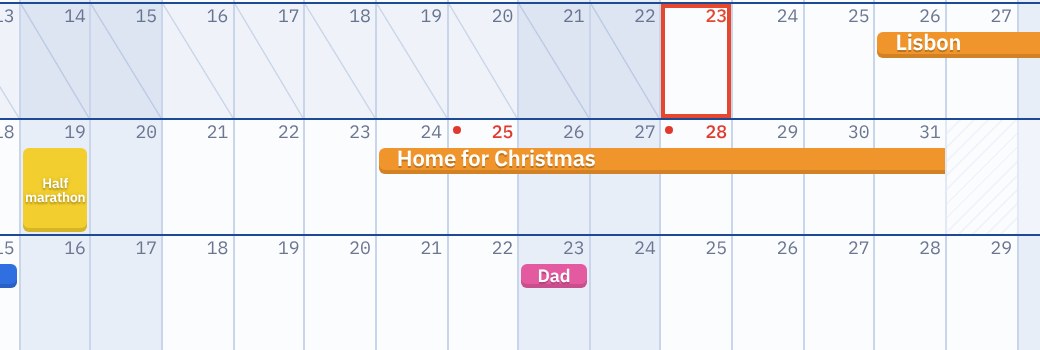
Twelve months, twelve rows, one screen. Trips stretch across their days, a past day gets crossed, and today is the red box.
What is your year counting down to?
YRLY keeps that one date in front of you, every day, until it arrives.
Set the date. Build the weeks. Cross the days.
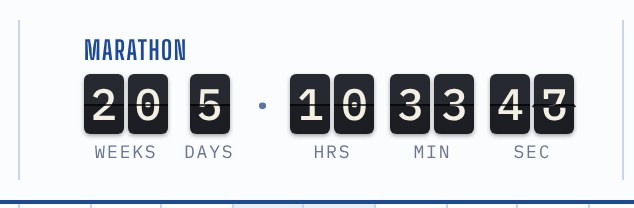
Set the date
Pick the one thing this year is for: a race, an exam, a launch, a wedding. The countdown sits at the top of your year and never stops.
Build the weeks
Every month shows which build-up weeks it holds. Drag a trip across its days, drop a deadline where it lands, and see at once what collides.
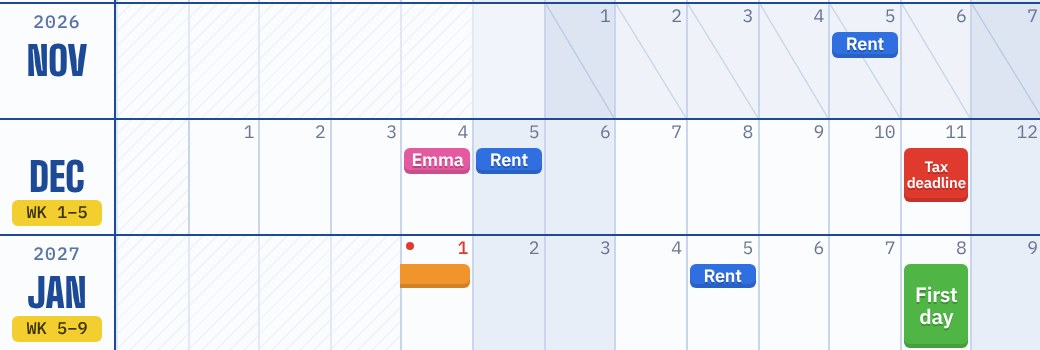
Cross the days
Each day that passes gets crossed, like on a wall. Count your own progress with one button, and watch the year fill up behind you.
This is the year you…
The wall calendar, without the wall.
A paper year planner is a good idea trapped on a sheet.
On paper
Plans change, you cross out and squeeze inIt hangs in one roomOne line of space per dayYou count the days left by handIt ends on 31 DecemberWant it on the wall anyway?
In YRLY
- Drag the note to its new day, or undo it
- It sits in your Dock, on every desk you work at
- Click a day for its times, appointments and to-dos
- The countdown and the day count do it for you
- It always shows the next twelve months
- Print your own year as a poster
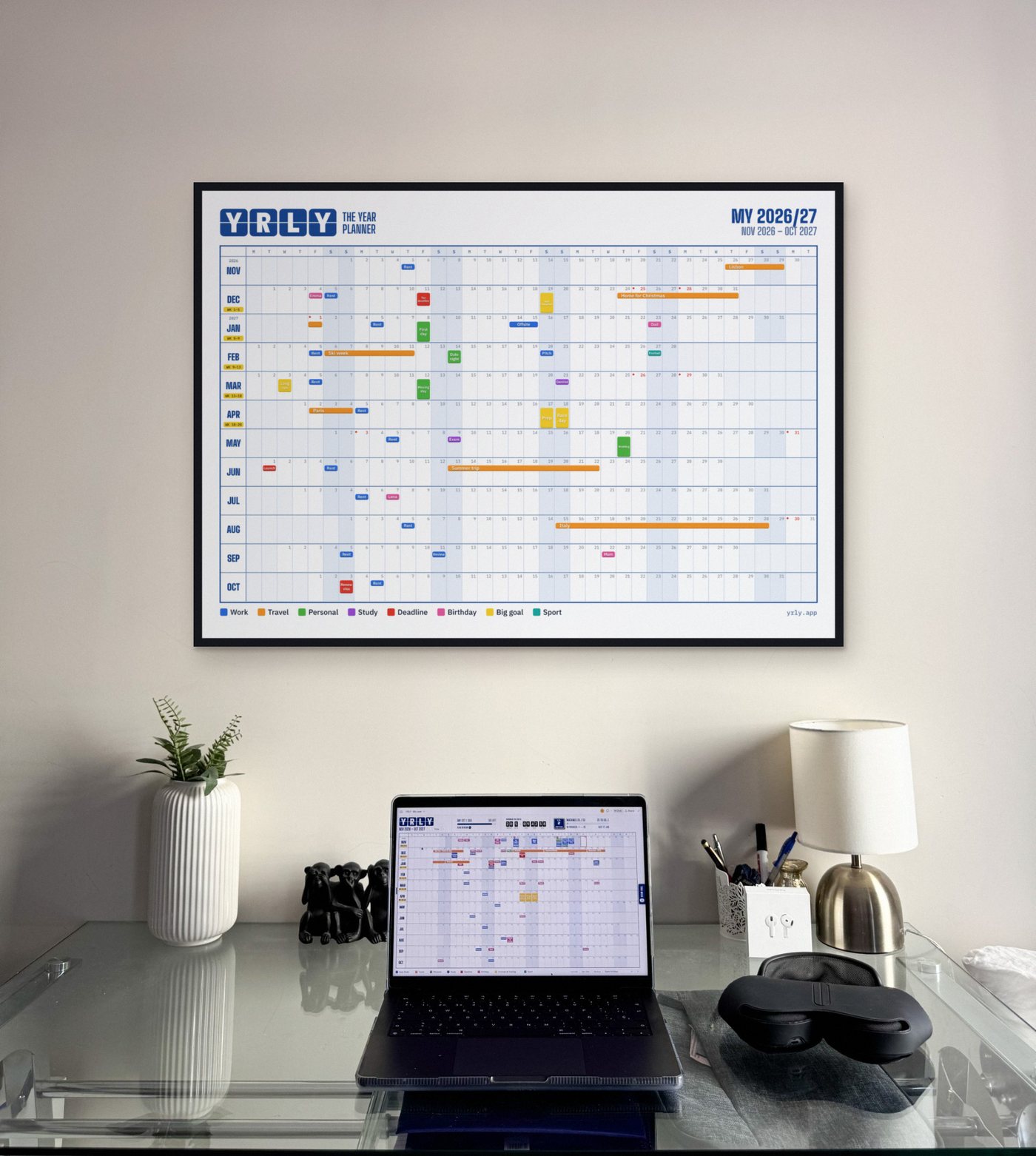
On your screen. On your wall.
YRLY lays your twelve months out as a poster with your year’s name on it. Save the PDF, take it to any print shop, and hang it over your desk.
The planner+The poster file=One price
Fourteen days free. Then pick one.
Use everything for 14 days without a card. Your plans stay yours whichever way you decide.
Founding price
Half price, locked in for as long as you stay. When the 500 are gone, so is this price.
Start free for 14 daysYearly
Less than one euro a month for the whole planner. Cancel whenever you like.
Start free for 14 daysLifetime
Pay once and YRLY is yours for good: every new year and every poster, with no renewal. The price of three years of Yearly.
Start free for 14 daysPrices include VAT. You choose and pay inside YRLY when your 14 days are up, not before.
It lives on your computer.
Install YRLY once and it opens from its own icon, in its own window, with or without internet.
Chrome or Edge
Open YRLY, click the three dots at the top right, then “Cast, save, and share” and “Install page as app”.
Safari on Mac
Open YRLY, then choose “File” and “Add to Dock” in the menu bar.
iPad
Open YRLY in Safari, tap the share button, then “Add to Home Screen”.
Questions
Where are my plans stored?
On your own device, inside the browser or the installed app. Nothing you type is sent to us. The Backup button saves everything to a file you keep, and restores it on another computer.
Do I need an account?
No. You open YRLY and start. There is nothing to sign up for during the 14 days.
What happens when the 14 days end?
YRLY asks you to pick a plan. Everything you entered is still there, and you can back it up at any time.
Does it work on a phone?
YRLY is made for laptop and tablet screens, because a whole year needs room. On a phone you can open it, but it is not designed for that size.
Does it work without internet?
Yes. After the first visit YRLY opens and saves without a connection.
Can I use it on two computers?
Yes, but each one keeps its own copy. Use Backup on one and Restore on the other to carry your plans across.
Can I print my year?
Yes. The year review builds a poster of your year as a PDF, ready for a print shop.